
Sensory Fonts are a family of six custom typefaces developed by Sensory App House for dyslexic-friendly and easy-reading use. They are installed system-wide on Windows when you install Sensory Readable v3 — meaning they appear in every application's font picker, not just in Readable itself. Use them in Microsoft Word, Outlook, PowerPoint, web browsers, or anywhere else you can choose a font on your Windows PC.
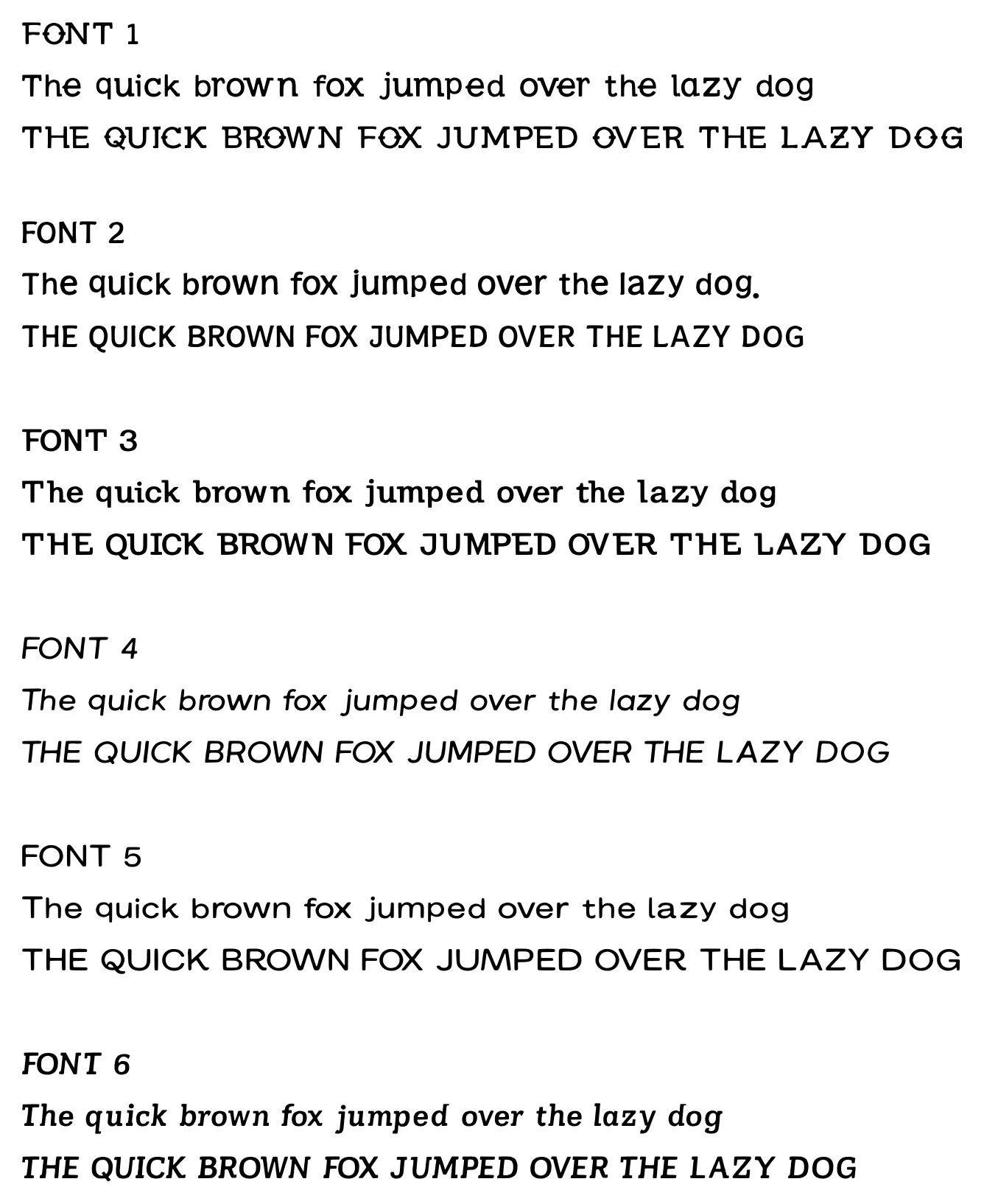
Why six fonts?
Different readers find different typefaces comfortable. The same person may even prefer different fonts for different tasks — one for long-form reading, another for quick scanning, another for note-taking. The six Sensory Fonts cover a range of contemporary easy-reading styles so you can try several and settle on the one (or the few) that suits your eyes best.
Design features
The Sensory Fonts share design features that the typography research literature has consistently associated with reading comfort:
- Distinctive letterforms — characters that are easy to confuse in conventional fonts (b/d, p/q, I/l/1, O/0) are shaped differently in Sensory Fonts so they are unambiguous at a glance.
- Open counters — the enclosed spaces inside letters like a, e, o, and g are kept open, so the letter shape stays clear even at small sizes or on lower-resolution displays.
- Generous spacing — letter and word spacing leans slightly looser than typical, reducing visual crowding.
- Consistent x-height — body letters sit at a uniform height, helping the eye follow the line.
Each of the six fonts applies these principles slightly differently — some lean towards a more modern sans-serif look, others towards a softer, more rounded style.
Where to use them
Once Sensory Readable v3 is installed, the Sensory Fonts appear in the font picker of any Windows application:
- Microsoft Word — pick from the Home tab font dropdown, or use Readable's Word Font menu for one-click access to Comic Sans, Trebuchet, and Microsoft Sans Serif.
- Outlook, PowerPoint, Excel — any Office app's font picker.
- Web browsers — when authoring content in a CMS, mail composer, or other rich-text web editor.
- Notepad, WordPad, third-party text editors — anywhere a Windows font picker is available.